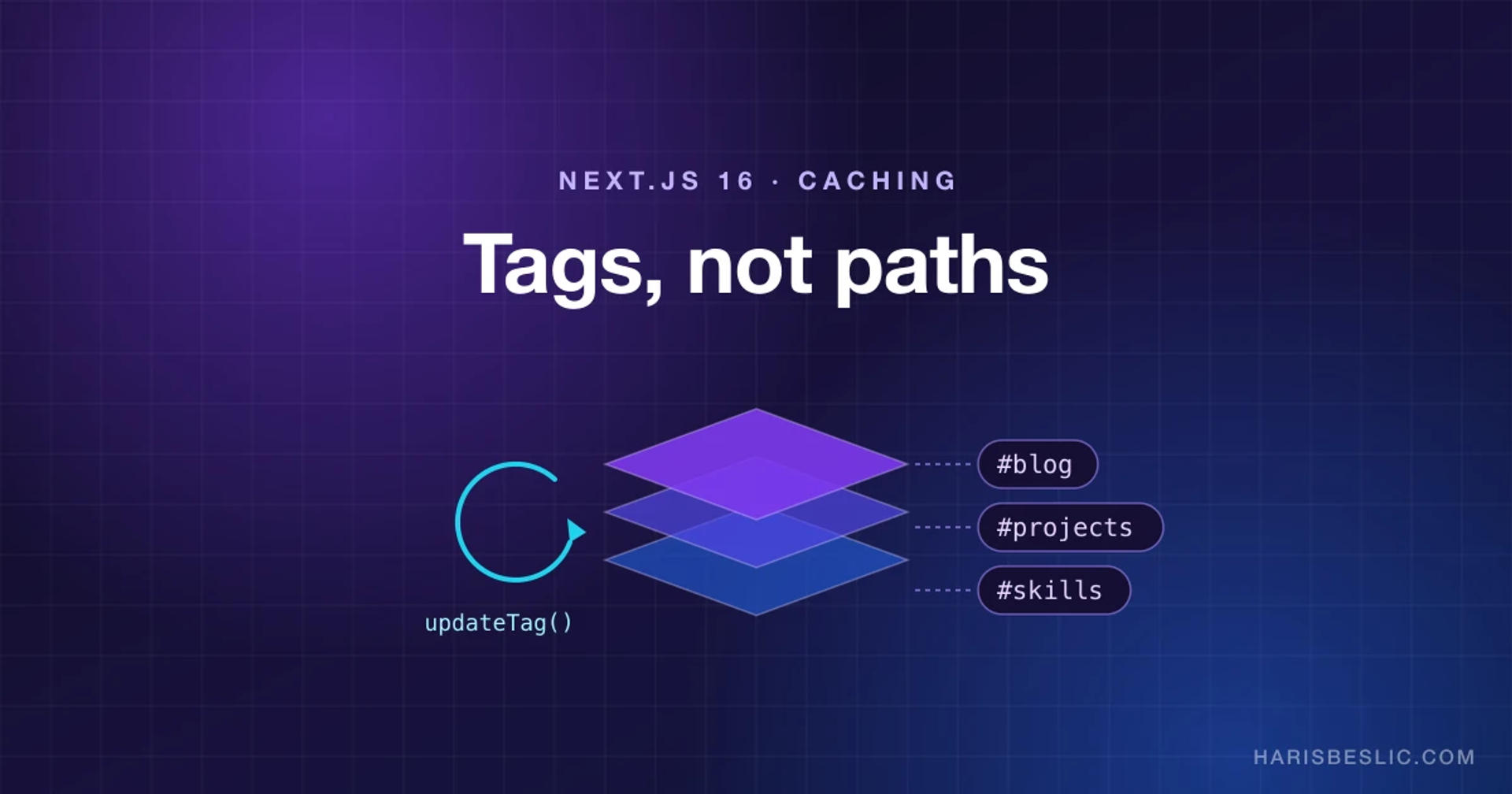
This site is a good fit for aggressive caching. The public pages (projects, experience, skills and this blog) only change when I edit something in a private dashboard. Everything else is reads.
It runs on Next.js 16 with Cache Components enabled, and every public page is served from cache. For a while, though, the caching worked a little too well. I'd edit a project, save, open the public page, and see the old version, sometimes for days.
This post covers how caching works in Next.js 16, what was actually wrong, and the tag-based setup that fixed it.
Caching is opt-in now
With cacheComponents: true in next.config.ts, nothing is cached implicitly. You opt in with the "use cache" directive on an async function or component, and its result is cached across requests.
Anything that isn't cached and depends on the request, like cookies, headers or per-visitor data, has to sit inside a <Suspense> boundary. Next.js prerenders a static shell, ships the fallback in place of those parts, and streams the real content in. If you forget the boundary, the dev overlay tells you, which beats finding out from a slow page in production.
Cached reads: use cache, cacheLife and cacheTag
Every public data reader on this site follows the same pattern:
import { cacheLife, cacheTag } from "next/cache";

export async function getPublishedBlogSlugs() {
	"use cache";
	cacheLife("max");
	cacheTag(cacheTags.blog);
	return db
		.select({ slug: blogSchema.blog.slug })
		.from(blogSchema.blog)
		.where(eq(blogSchema.blog.published, true));
}
"use cache"caches the return value. Arguments are part of the cache key, sogetBlogBySlug("a")andgetBlogBySlug("b")get separate entries. Variables captured from outer scopes are included too.cacheLifesets how long the entry lives. The built-in profiles cover most cases:daysrevalidates daily and expires after a week,weeksrevalidates weekly and expires after 30 days, andmaxrevalidates every 30 days and expires after a year.cacheTaglabels the entry so you can invalidate it on demand.
The tags live in one map, so a typo becomes a type error instead of a silent no-op:
export const cacheTags = {
	projects: "projects",
	blog: "blog",
	skills: "skills",
	experiences: "experiences",
} as const;
One detail that's easy to get wrong: tag by data dependency, not by page. Project pages also show skill names, so project readers carry both tags:
export const getAllProjectsCached = async () => {
	"use cache";
	cacheLife("max");
	cacheTag(cacheTags.projects, cacheTags.skills);
	// ...
};
Rename a skill, and every project page that shows it refreshes too.
The bug: long lifetimes, no tags, wrong paths
That's the fixed version. The broken one turned up in an audit of the site, filed as ticket CACHE-01, and it had three problems that added up.
Readers had long lifetimes and no tags. Public data was cached with cacheLife("max"), "weeks" or "days", but no reader called cacheTag. Without tags, there was nothing to invalidate by name.
Writes invalidated paths, and some of the paths were wrong. The Server Actions used revalidatePath, and a few of those calls matched nothing. The worst was revalidatePath("/projects/[id]"). The route's dynamic segment is actually [slug], and a path with a dynamic segment also needs the "page" or "layout" type argument. The call compiled, ran without errors, and did nothing.
Some pages were never invalidated. The blog actions refreshed /blog and the dashboard, but never /blog/[slug], so unpublishing a post left it publicly readable for up to a day. Deleting a project removed its images from storage immediately, while the cached page kept rendering them as broken images.
The deeper issue is that path-based invalidation ties your writes to your URL structure. Rename a route segment, add a page that shows the same data, or put a project card on the home page, and your invalidation quietly drifts out of date. Tags tie writes to data, which is the thing that actually changed.
Writes: updateTag or revalidateTag?
Next.js 16 has two ways to invalidate a tag, and they behave differently.
updateTag(tag) can only be called from a Server Action. It expires the tagged entries immediately, and the next request waits for fresh data instead of getting stale content. That's read-your-own-writes, which is exactly what an admin pressing Save expects. Every dashboard action on this site calls it for the data it changed:
"use server";

export async function updateBlog(formData: FormData) {
	await requireAdmin();
	// validate, then write the post and its tags in one transaction
	updateTag(cacheTags.blog);
	return { success: true, blog: updatedBlog };
}
revalidateTag(tag, profile) works in Server Actions and Route Handlers. With the recommended "max" profile it uses stale-while-revalidate: the next visitor gets the cached version while fresh data loads in the background. That suits webhooks, like a CMS telling your site that content changed, where nobody is waiting to see their own edit. If you need data gone immediately from outside a Server Action, pass { expire: 0 } as the profile.
Two things to know: the single-argument revalidateTag(tag) is deprecated, and updateTag throws if you call it from a Route Handler. Cron jobs and webhooks need revalidateTag.
Dynamic pieces inside cached pages
A blog post is cached, but its view count changes with every visit. Rather than making the whole page dynamic, only the counter is:
<Suspense fallback={<BlogTotalViewPlaceholder />}>
	<BlogTotalViews blogId={blog.id} />
</Suspense>
The post content arrives instantly from the cached shell and the view count streams in. The fallback has the same dimensions as the real component, so nothing shifts when it arrives.
Time needs a decision too. Cache Components makes you be explicit about values like Date.now() that differ on every call. The copyright year in this site's footer is a tiny cached component that refreshes daily, which is plenty for a value that changes once a year:
"use cache";

import { cacheLife } from "next/cache";

export async function CopyrightYear() {
	cacheLife("days");
	return new Date().getFullYear();
}
Gotchas I ran into
generateStaticParamsmust return at least one entry. With Cache Components, an empty array is a build error. Until the first post is published, the blog route returns a single placeholder slug that resolves tonotFound().- Tags are case-sensitive and capped at 256 characters. Keeping them in one constant map avoids both problems.
- Coarse tags are a valid choice. One
blogtag means any edit invalidates every post. On a personal site with occasional edits that's the right trade-off: simple, and hard to get subtly wrong. At a larger scale, add per-entity tags likepost:${slug}next to the collection tag and invalidate both. - Test the wiring, not just the code. This repo has a regression test that counts
"use cache"directives andcacheTagcalls in each service file and fails if the numbers don't match. It also checks that every content area's Server Actions callupdateTagfor their tag. It's a blunt check, but it would have caught CACHE-01 on day one.
The whole model in five lines
- Every public reader gets
"use cache", acacheLifeprofile, andcacheTagfor every piece of data it depends on. - Every dashboard mutation calls
updateTagfor every tag it affects, from inside the Server Action. - External triggers like webhooks and cron jobs use
revalidateTag(tag, "max"). - Anything per-request goes inside
<Suspense>with a same-size fallback. - A test fails when someone forgets step 1 or 2.
Since the fix, pressing Save in the dashboard means the change is live on the next request, and every public page is still served from cache.
Share this article
Found this useful? Spread the word across your favourite networks or drop it in your team chat.
About the author
I’m Haris—partnering with product teams to ship resilient, measurable web experiences. Let’s connect if you’d like a deeper discussion about anything you read here or want to collaborate.